 Not in favourites
Related games
 Fairy FallsNot in favourites
 Guess Flag GameNot in favourites
 Knights vs Dragons Battle SimulatorNot in favourites
 One SquareNot in favourites
 1 2 3 4 Player Tank Game 2DNot in favourites
 10 to 20Not in favourites
 100 Doors - Escape from PrisonNot in favourites
 100 seconds LabyrinthNot in favourites
 1001 Arabian NightsNot in favourites
 1010 HalloweenNot in favourites
 10x10 ArabicNot in favourites
 10x10! Block Puzzle ClassicNot in favourites
 1941 Frozen FrontNot in favourites
 1942 Pacific FrontNot in favourites
 1945 Air Force Space ShooterNot in favourites
 195 Country Flag QuizNot in favourites
 2 Player Games Kids KitchenNot in favourites
 2 Player Red Blue PiratesNot in favourites
 2029 Catpocalypse.ioNot in favourites
 2048Not in favourites
 2048 - Link 'n MergeNot in favourites
 2048 Balls PuzzleNot in favourites
 2048 BallzNot in favourites
 2048 BilliardsNot in favourites
 2048 CityNot in favourites
 2048 Cube Merge BlockNot in favourites
 2048 DecksNot in favourites
 2048 DogsNot in favourites
 2048 FoodiesNot in favourites
 2048 Grow UpNot in favourites
 2048 Magic HexNot in favourites
 2048 Match BallsNot in favourites
 2048 Number BallNot in favourites
 2D Ping PongNot in favourites
 3 Keys SolitaireNot in favourites
 3 Pyramid TripeaksNot in favourites
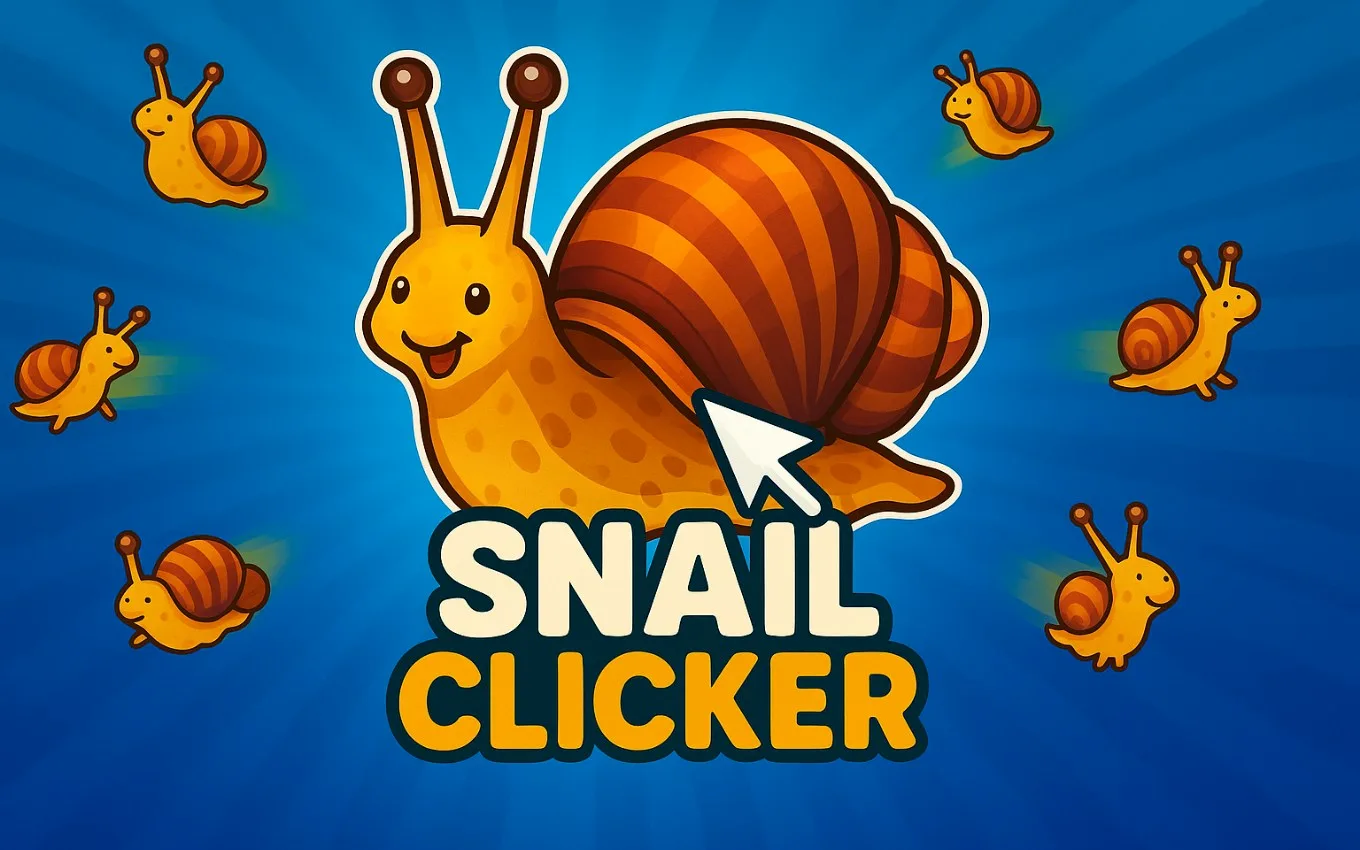
Snail Clicker
Click your way to snail supremacy! Multiply snail coins and climb the ranks by unlocking exciting upgrades and skins. With every click, enhance your snail empire in this addictive and charming clicking adventure.
Category: Clicker
Publisher: GamePix
Game rating
Game help
To start playing, select the Play button in the game area. Most games use a keyboard, mouse, touchscreen, or a combination of these. Look for instructions on the title screen or in the game's pause menu, since controls and goals vary from game to game. Common keyboard controls include the arrow keys or WASD for movement, Space for an action, Enter to confirm, and Escape to pause. On mobile devices, tap the on-screen controls and rotate your device if the game recommends a different orientation.
If the game does not start, first wait a few moments for its files to load. Then select Reload Game and try again. You can also refresh the page, check that JavaScript is enabled, and temporarily disable browser extensions that block scripts, cookies, or embedded content. For games that provide the option, Open in new window may work better when a browser blocks third-party content. A stable internet connection and an up-to-date browser usually provide the best experience.
Use Fullscreen for a larger play area. Press Escape to leave fullscreen mode. If sound is missing, check the game's audio controls, your device volume, and whether the browser tab is muted. Some browsers require you to interact with the game before audio can begin. If performance is slow, close unused tabs and applications, exit fullscreen, or try another modern browser. Progress may be saved in your browser, so clearing site data or using private browsing can remove saved progress. Never enter personal or payment information inside a game unless you understand and trust the request.
Comments
No approved comments yet.